Audio Chat
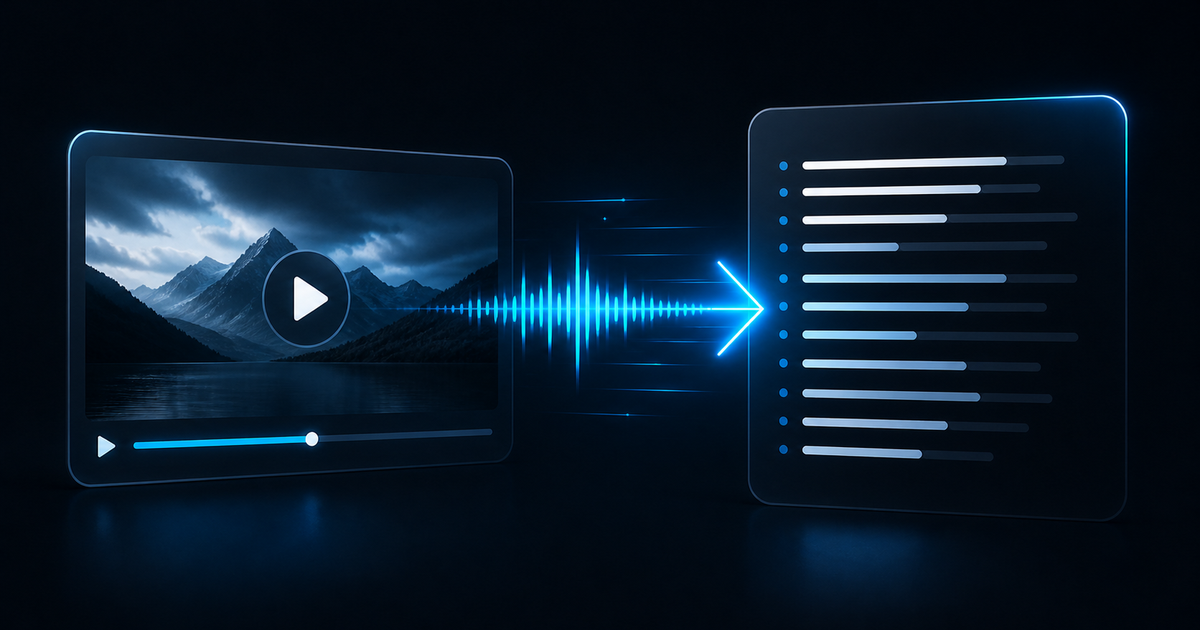
Transcribe one audio or video file into clean, editable text.
Audio Chat handles single-file audio and video transcription with predictable credit pricing, language control, and transcript-ready text output.
The homepage keeps the workflow visible. Real uploads and job tracking happen after sign-in inside your workspace.
Keep the workflow simple
This is the exact shape of the product: select one file, choose the language, and start a background transcription job.
Choose one audio or video file
MP3, WAV, M4A, OGG, WebM, MP4, MOV, and more.
1 / min
Credits never expire.
A focused product is easier to trust
Audio Chat stays focused on one job: turning one recording into clean transcript text, quickly, predictably, and without a bloated media pipeline.
One file at a time
Each job handles a single upload. No batch queue, no hidden multi-step workflow, and no confusion about what is being processed.
Fast turnaround
Upload one recording and let the job run in the background while you track the result inside your workspace.
Language control
Choose a specific language when you know it, or use auto-detect when the recording is mixed or uncertain.
Clean text output
Get plain transcript text you can review, edit, summarize, repurpose, or paste into the rest of your workflow.
Predictable pricing
One credit covers one minute, rounded up. You can estimate cost before you upload and avoid pricing surprises.
Honest scope
TXT export is supported now. Timed subtitle formats are intentionally not faked until the model pipeline can return reliable timestamps.
Simple transcription pricing
Buy credits once, use them for audio or video transcription when needed, and keep the cost model easy to understand. Credits never expire.
Starter
Best for testing the workflow with a few files.
- 100 credits
- About 100 minutes total
- One file at a time
Standard
A practical package for regular single-file transcription work.
- 533 credits total
- About 533 minutes total
- Choose a language or auto-detect
- Plain TXT export
Pro
For heavier usage when you regularly transcribe interviews and recordings.
- 1,067 credits total
- About 1,067 minutes total
- Bonus credits included
- Plain TXT export
Frequently asked questions
Clear answers about audio transcription, video-to-text workflows, pricing, and export formats.
From the blog
Guides, workflow notes, and practical advice for turning recordings into usable transcript text.
The Practical Guide to Video-to-Text Transcription
A realistic guide to converting one recording into usable text, with notes on workflow, file prep, pricing, and what AI transcription can and cannot do well.
5 Ways to Improve AI Transcription Accuracy
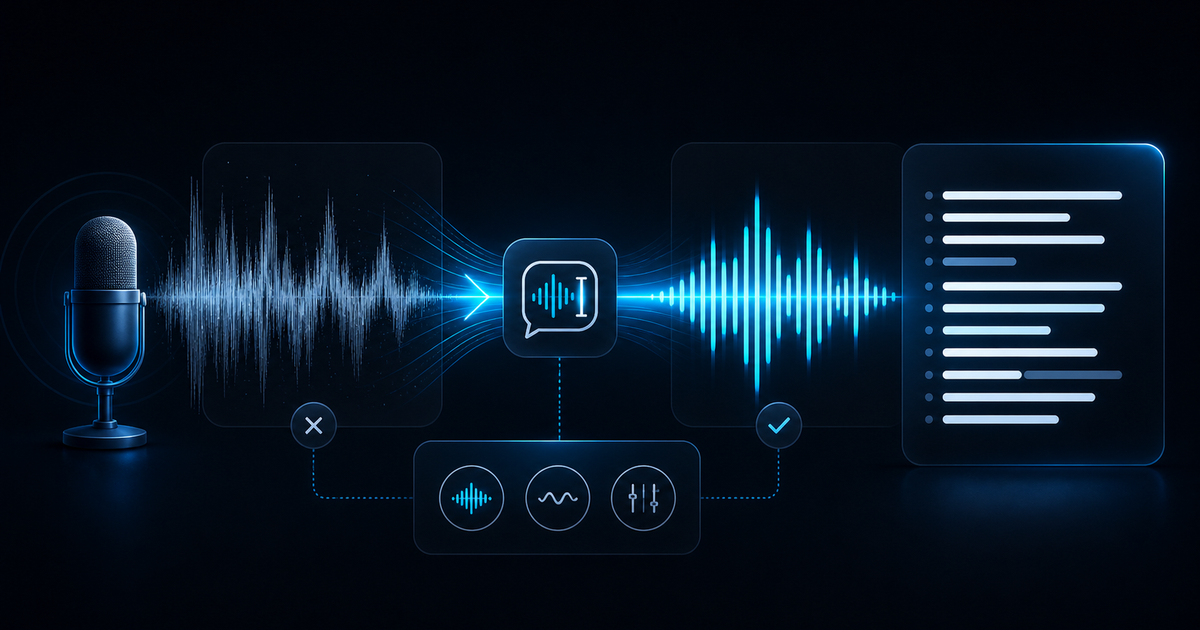
Cleaner source files beat prompt tricks. These five habits raise transcript quality before the model even starts.
A Practical Workflow for Turning Video into Subtitles
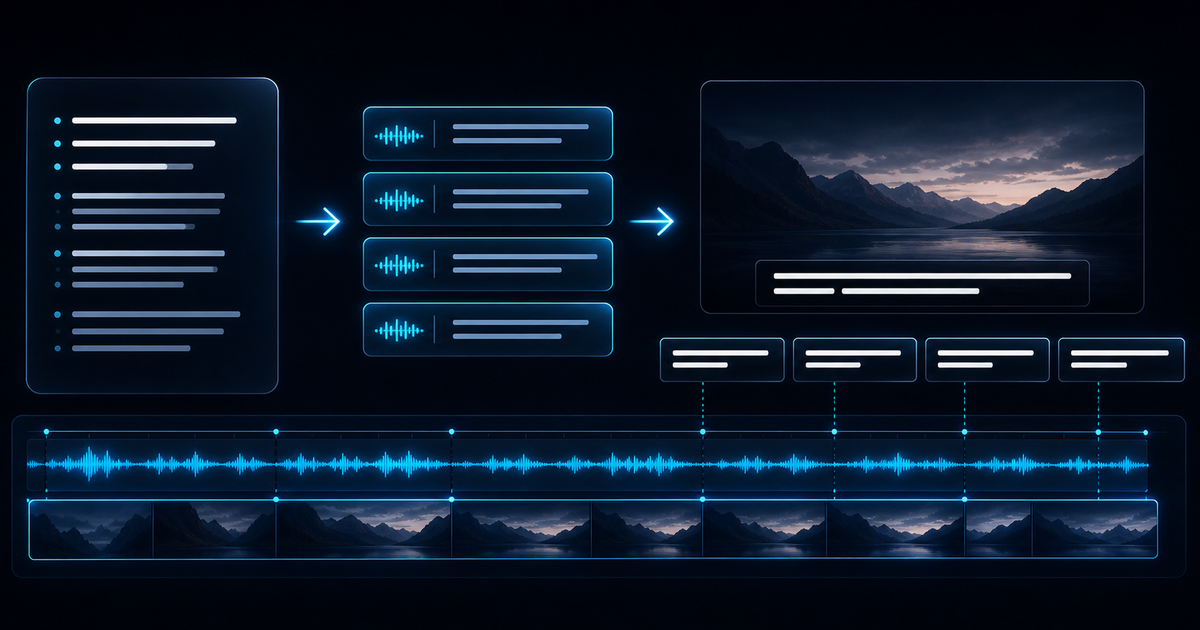
If your end goal is subtitles, treat transcript text as the first layer, not the finished artifact. Here is the practical sequence that keeps the work clean.
Stop pretending a transcription tool needs ten steps.
Use a workflow that is honest about its scope: one file in, one transcript out, priced in credits you can understand before you click upload.