5 Ways to Improve AI Transcription Accuracy
Cleaner source files beat prompt tricks. These five habits raise transcript quality before the model even starts.
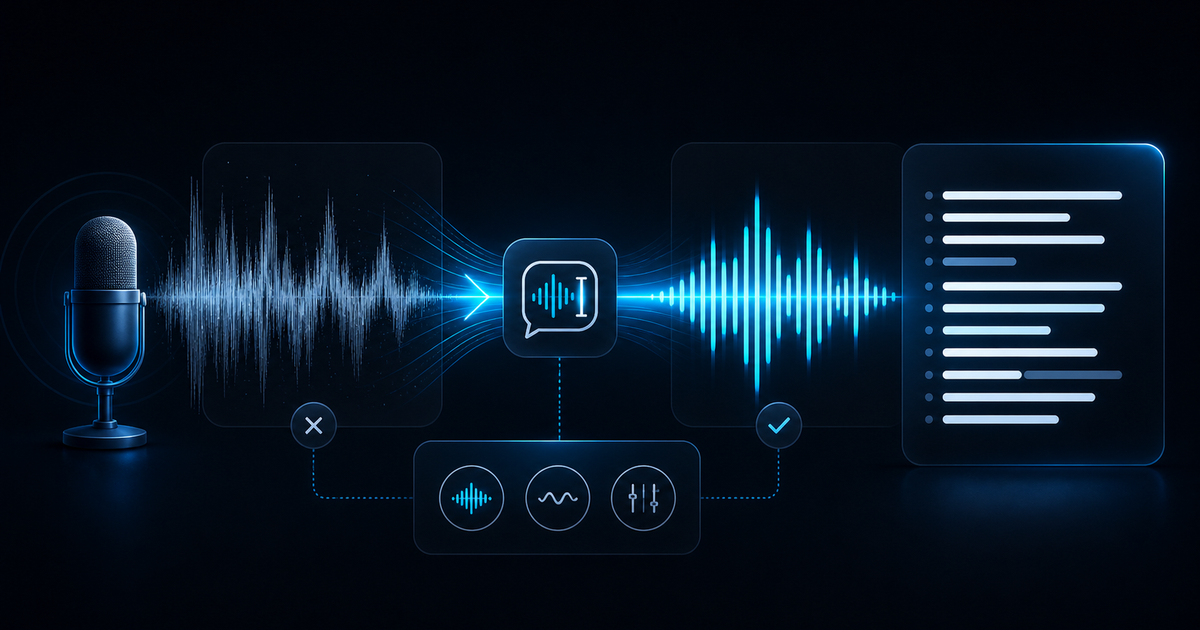
When people complain about transcription accuracy, they often blame the model first. Most of the time, the recording is the real problem.
Here are five practical ways to improve results.
1. Reduce background noise before upload
AI can recover a lot, but it cannot clean up everything. If a room fan, street noise, or overlapping voices dominate the file, the transcript quality drops fast.
Start with the cleanest recording you have.
2. Pick the language when you know it
Auto-detect is useful, but it is still a guess. If you know the recording is English, Chinese, Spanish, or another supported language, set it directly.
This is especially useful for proper nouns and technical terms.
3. Prefer one long clear take over a chaotic collage
If your file contains multiple stitched clips with different speakers, environments, and volume levels, the model has to recover context repeatedly.
A simpler, more consistent file usually transcribes better than a heavily edited mash-up.
4. Do a fast human cleanup pass
Even strong AI output benefits from a short manual review. In many cases, the model gets you 90 percent of the way there, and a fast cleanup finishes the job.
Check:
- names
- product terms
- acronyms
- sentence breaks
5. Know when you need subtitles instead of text
If your real goal is subtitle timing, plain-text transcription is only part of the answer. A clean transcript helps, but subtitles require timing data and formatting decisions on top.
Do not confuse "accurate text" with "finished captions". They are related, but not identical.
The simplest rule
Better input beats clever post-processing. If you improve the file, the model usually improves with it.